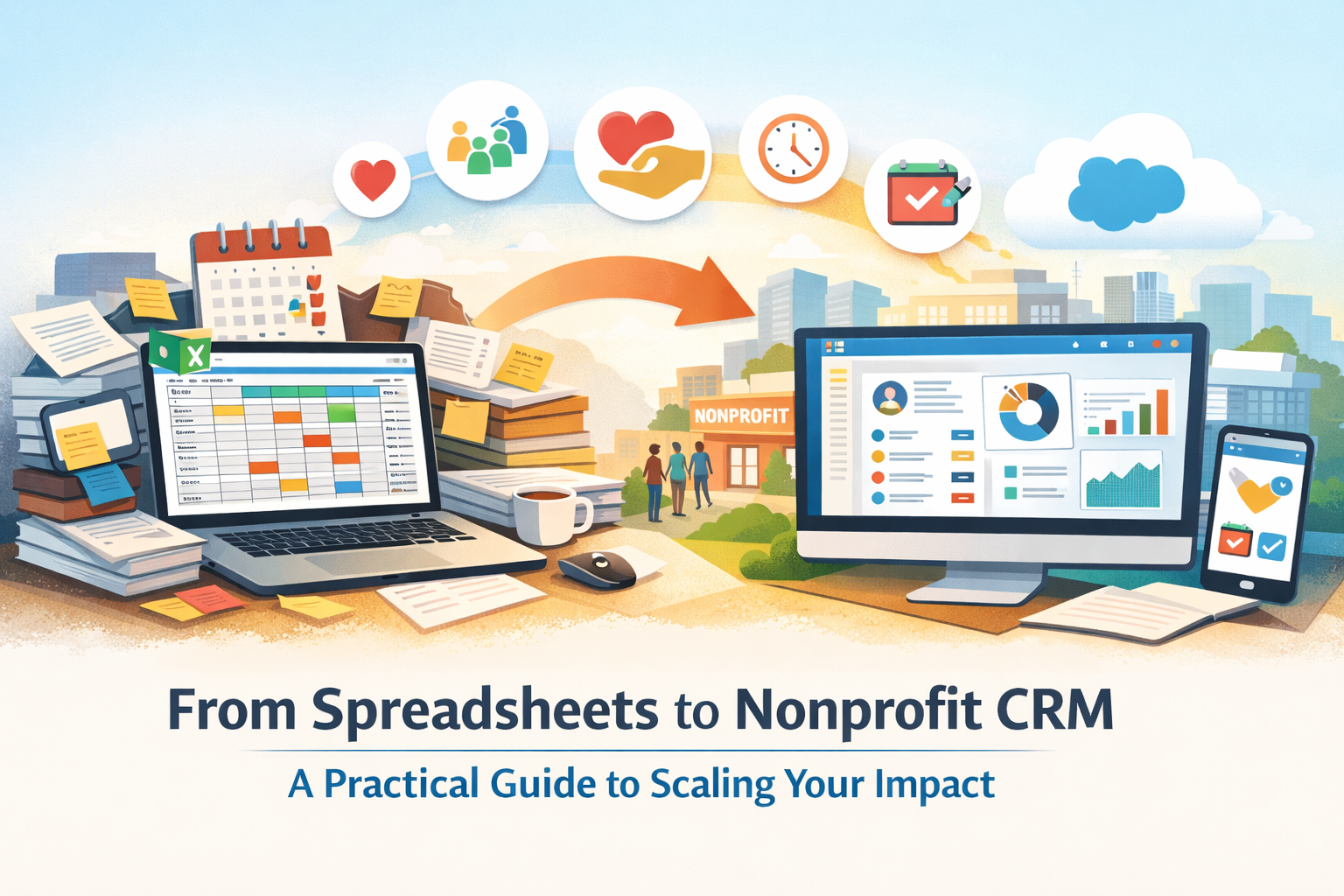
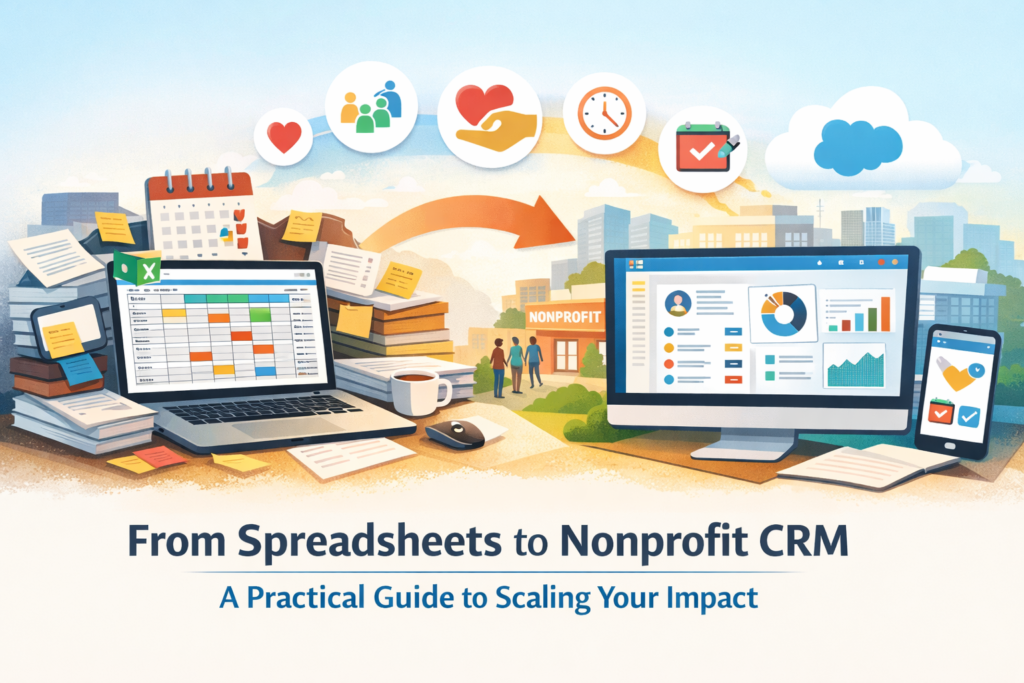
Every Nonprofit usually begins with a simple system: most likely a spreadsheet. In the early days, Excel and Google Sheets felt like the perfect solution to most problems. They’re easy to use, flexible, and cost-effective.
But as your Nonprofit grows and scales, that same “hero spreadsheet” quietly becomes a bottleneck for the organization’s processes. Duplicate donor records, scattered data, missed follow-ups, and hours spent cleaning data start impacting a Nonprofit’s ability to scale. What once worked now slows you down. As nonprofits grow, managing donor data in spreadsheets becomes increasingly inefficient.
You cannot scale your mission using systems that weren’t designed for growth – This is where a Nonprofit CRM becomes essential.
Spreadsheets may seem to be “free,” but their usage comes with hidden costs:
- It does not offer a unified view of donors and supporters
- Data duplication, data redundancy, and inconsistencies
- Manual reporting and follow-ups become necessary
- Loss of institutional knowledge when employees leave
- Missed engagement opportunities
For example, without a centralized system, you might not realize that:
- A donor who contributed $200 recently has also volunteered extensively
- A long-term supporter who attends every event isn’t being nurtured
A nonprofit CRM helps:
- Centralize donor and engagement data
- Automate routine and repetitive tasks
- Enable data-driven decision-making
- Improve donor lifecycle management
A Step-by-Step Guide to CRM Implementation for Nonprofits
Step 1: Define Your Goals Before Choosing a CRM (“Your Why”)
Before evaluating the purchase of the right CRM tools, clarify your objectives with your team.
Ask your team:
- What manual tasks consume the most time?
- What insights about our donors do we wish we had instantly, at the click of a button?
- What would we do with 5 extra hours every single week?
Your goals might include:
- Improving and increasing donor retention
- Automating the generation of tax receipts
- Tracking volunteer engagement as and when it happens
Step 2: Audit and Clean Your Data
Most Nonprofits have multiple versions of donor data. The following are the names of spreadsheets that most employees of Nonprofits usually access:
- “Donors_Final”
- “Donors_Final_v2”
- “Use_This_One”
Before migrating and making the leap to CRM software:
- Identify which database is to be used for reference
- Standardize and clean up the formatting (names, phone numbers, and addresses)
- Completely remove outdated or inactive records that still exist on the spreadsheet(s)
Step 3: Choose the Right Nonprofit CRM
Not all CRMs are built for supporting Nonprofits. Look for CRM solutions that offer the following features:
- Donor management
- Grant tracking
- Volunteer management
- Fundraising workflows
Platforms like Salesforce Nonprofit Cloud and similar ecosystems are designed specifically to cater to the needs and requirements of Nonprofits. When evaluating and looking for the right CRM software, consider:
- Scalability – Will it grow with your organization?
- Ecosystem – Community, tutorials, support: Are there tutorials and people (communities) you can ask for help?
- Integrations – Does it synchronize well with email tools, payment gateways, and fundraising platforms
Step 4: Manage the Cultural Shift / Focus on the People, Not Just the Tech
CRM adoption is not just a technology change—it’s a mindset and paradigm shift. Common concerns and issues faced by teams include:
- “This feels like extra work.”
- “Why change what’s already working?”
Reframe and tweak the CRM software as an application that:
- Prevents duplicate outreach: No more accidental double-emailing the same donor.
- Automates reporting: Avoid number crunching on a spreadsheet.
- Collaboration becomes second nature when you’re all looking at the same info.
- Reduces dependency on individuals: Important donor history stays with the organization, even when team members move on.
Encourage CRM champions within your team to drive adoption.
Step 5: Use a Phased Migration Approach
Avoiding a “big bang” rollout is advisable. Instead:
- Start with a small set of data: (e.g., shortlist major donors. You don’t have to move/migrate everything overnight.)
- Validate structure and usability: This helps the whole team get comfortable without feeling overwhelmed.
- Test your processes in real-world scenarios and refine them before scaling.
Move in when you’re ready: Once you’ve ironed out the kinks and feel at home in the system, you can start bringing the rest of your data over in stages. Doing it this way keeps the pressure off and makes the whole transition feel a lot more manageable and stress-free for the team.
Step 6: Let Automation Do the Heavy Lifting
This is the “magic” moment where you actually start winning your time back. With automation, the system takes over the repetitive stuff. You get the ability to send the right message to the right person automatically.
For example, a single donation can automatically:
- Send out a warm, personalized thank-you email.
- Flag a team member to make a quick follow-up call.
- Add that donor to a specific “welcome” series so they stay connected.
Step 7: Measure Impact and Optimize
After a few months, check back in on those goals you set in Step 1. Keep an eye on these numbers/ track the following metrics:
- Are you saving time?
- Are donors sticking around longer?
Highlight these wins to the team. It builds confidence and proves that the “new way” is actually the better way. This reinforces adoption.
Why CRM is a Game-Changer for Nonprofits
A well-implemented Nonprofit CRM enables:
- Better donor relationships
- Improved operational efficiency
- Data-driven decision-making
- Scalable growth
How AlmaMate Supports Your CRM Journey
At AlmaMate, we help nonprofits successfully transition from spreadsheets to scalable CRM systems, like the Salesforce Nonprofit Cloud.
We support you with:
- CRM strategy and roadmap
- Data migration and cleanup
- Workflow automation
- Training and adoption
AlmaMate helps organizations move beyond spreadsheets and into scalable, efficient, and future-ready CRM systems. Whether you’re just starting out or looking to optimize an existing setup, our experts guide you every step of the way—from strategy to implementation to team adoption.
Book a free consultation with AlmaMate today and start building the CRM your nonprofit mission deserves.